Merge files
Many files, one PDF.
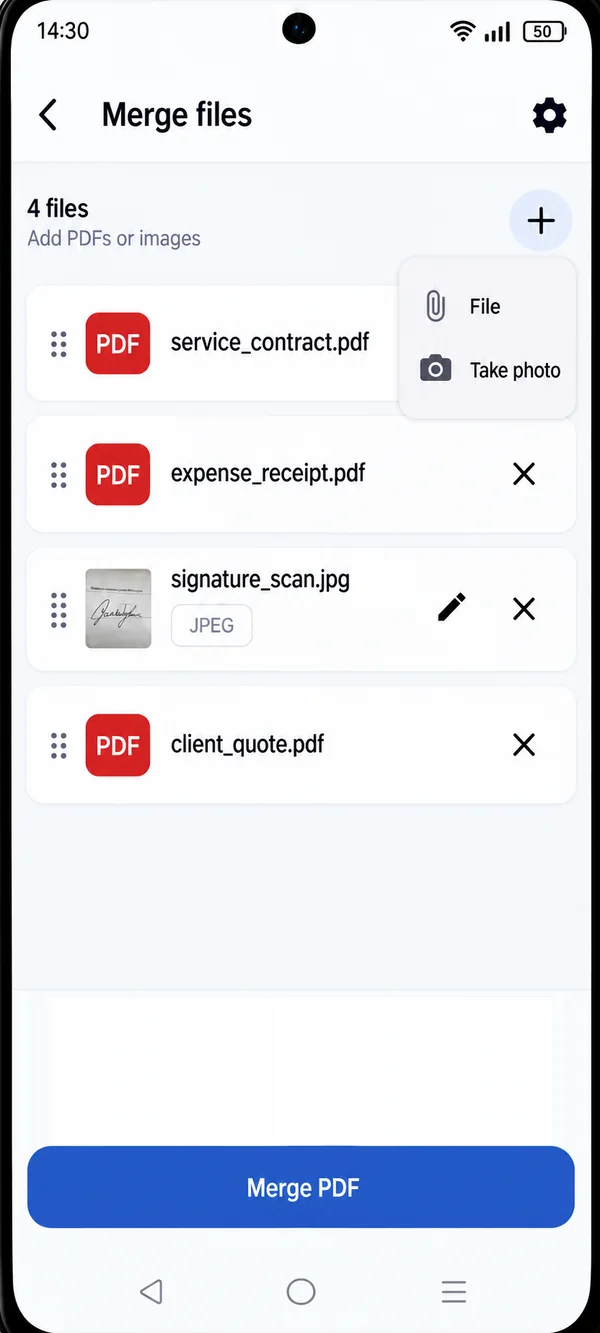
Add PDFs and images, put them in the right order and create a single document to share.
- PDFs and images in the same file
- Drag to reorder
- Add from files or take a photo
PDFS, WITHOUT THE HASSLE
Merge, split, compress, scan and organize your PDFs right from your phone.
THE ESSENTIAL TOOLS
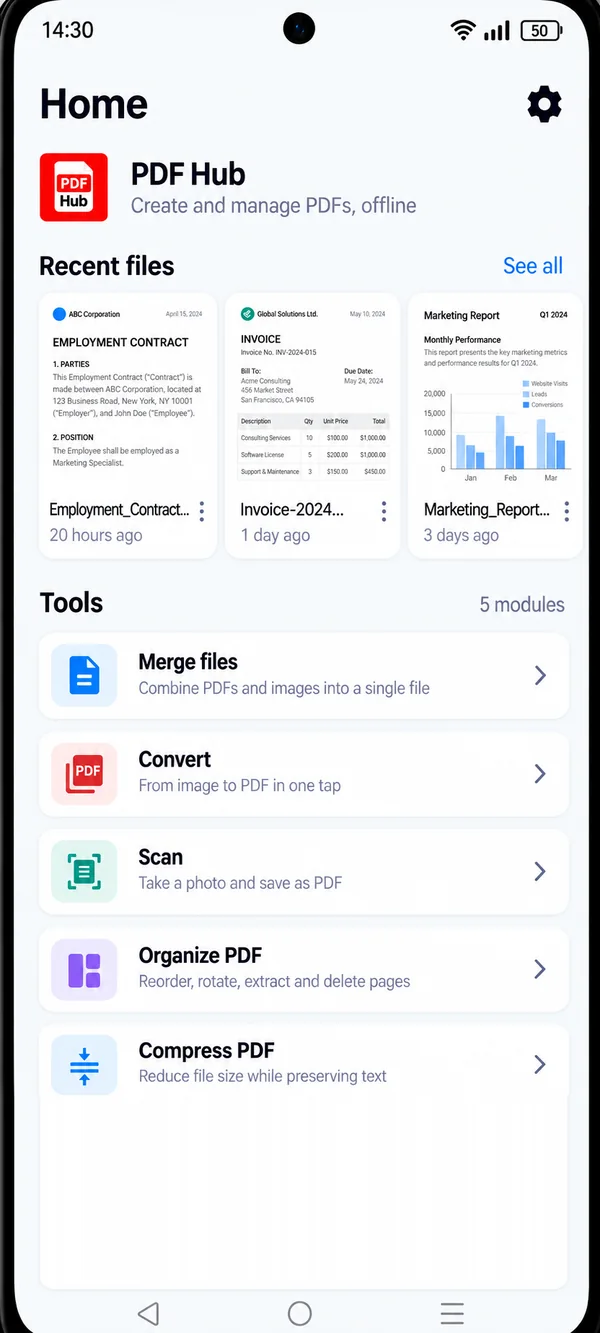
The features you actually use, designed to be instant.
Merge files
Add PDFs and images, put them in the right order and create a single document to share.
Scan
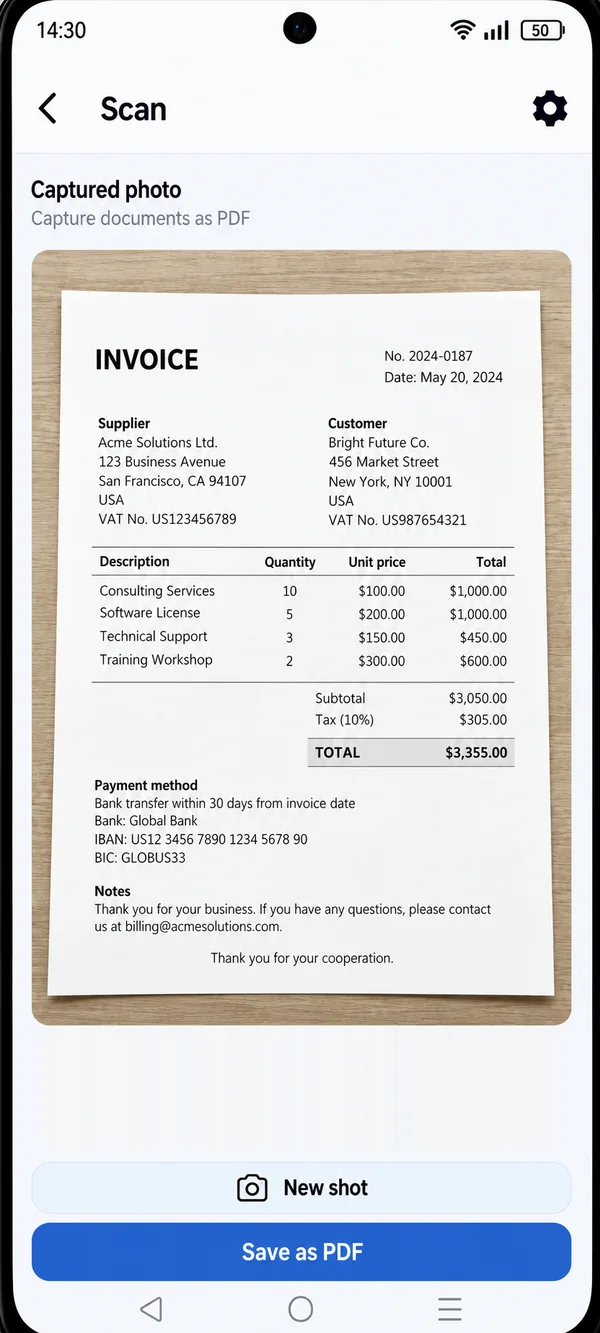
Take a photo of a paper document and save it as a PDF right away, ready to file or send.
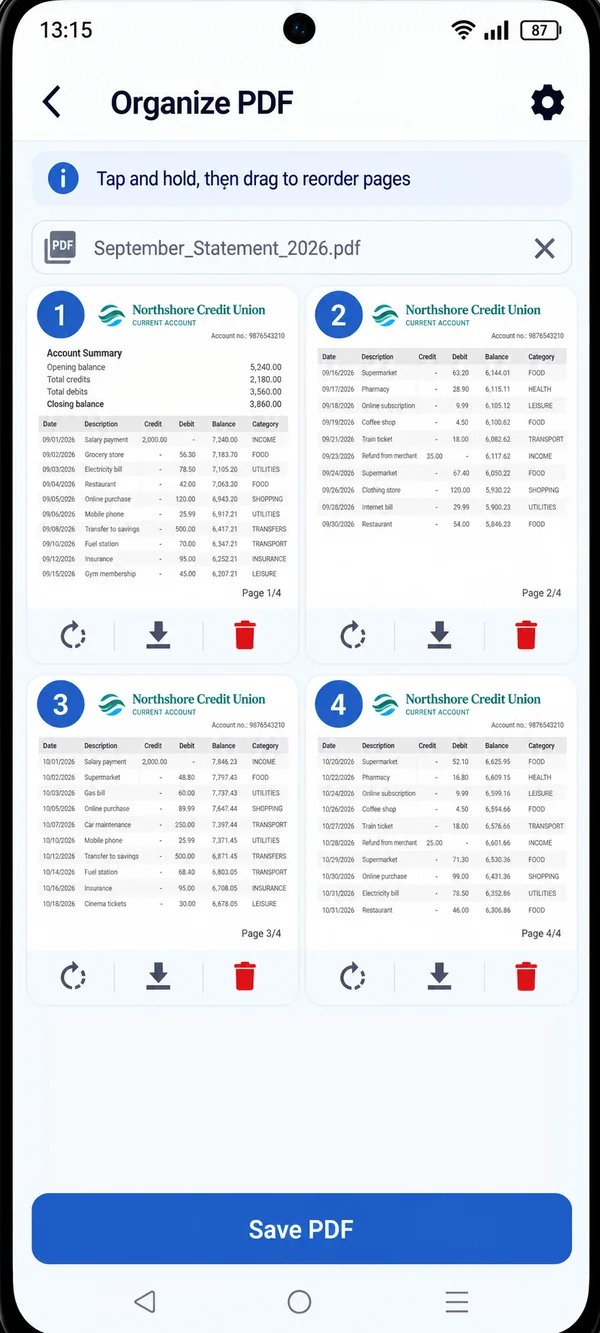
Organize PDF
Reorder, rotate, extract and delete the pages of a PDF without a computer.
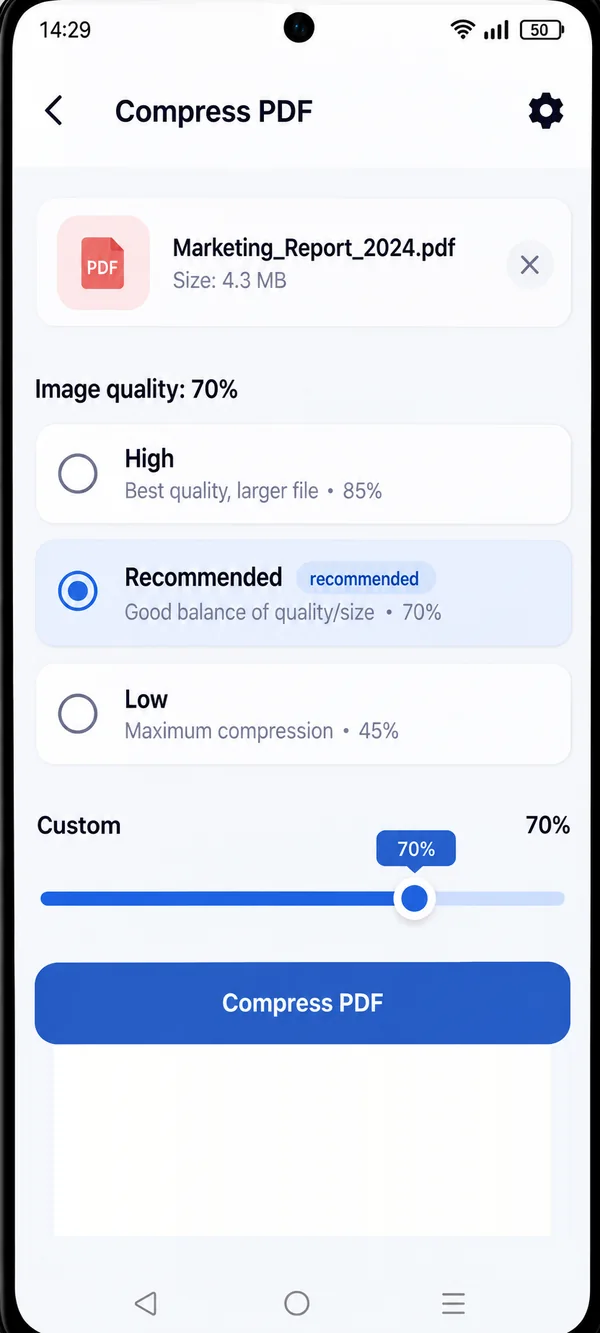
Compress PDF
Shrink the file size while keeping the text sharp, so you can attach it to an email or upload it with no trouble.
Plus
PRIVACY FIRST
PDF HUB works directly on your device, with no mandatory cloud uploads.
FREQUENTLY ASKED QUESTIONS
No. Open the app and start right away, no sign-up.
No. PDF HUB processes files directly on your phone, with no mandatory cloud uploads. You decide if and where to share them.
Yes, you can use it offline too.
No, there are no ads.
On Android smartphones, from Google Play.
GET STARTED
Get PDF HUB and bring order to your documents.